
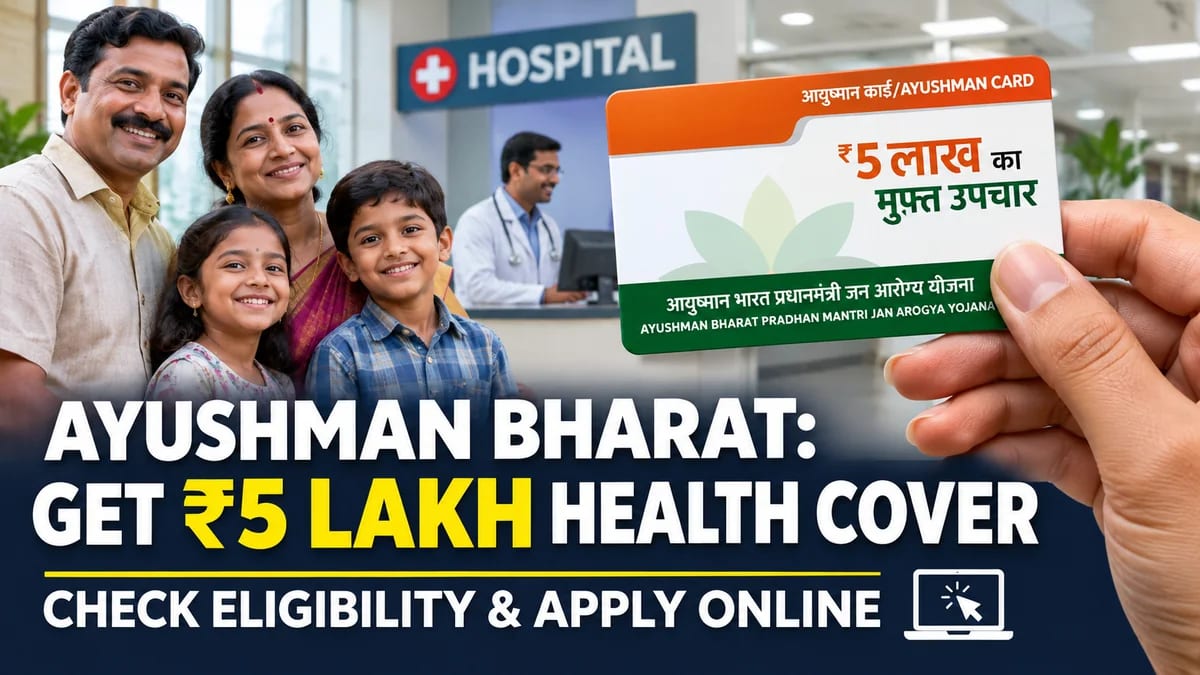

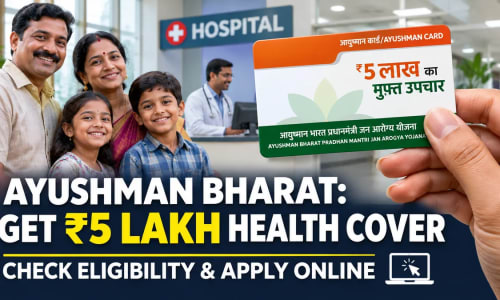
NEW DELHI: Unexpected medical emergencies and rising hospitalization expenses often place a severe financial burden on ordinary families. To bridge this gap, the Central Government’s flagship healthcare initiative—the Ayushman Bharat Pradhan Mantri Jan Arogya Yojana (AB-PMJAY)—offers cashless health coverage of up to ₹5 lakh per family every year at empanelled public and private hospitals across India.
Eligible citizens can check their beneficiary status, complete e-KYC, and download their Ayushman Card directly from home using the official National Health Authority (NHA) portal or mobile application.
Who is Eligible for the Ayushman Bharat Card?
Eligibility under AB-PMJAY is primarily determined through Socio-Economic Caste Census (SECC) data, state food security (ration card) databases, and expanded senior citizen provisions:
| Beneficiary Category | Key Qualification Criteria |
|---|---|
| Rural & Urban Families | Households listed in the SECC 2011 database or holding eligible state-level priority/Antyodaya ration cards. |
| Senior Citizens (70+ Years) | All Indian citizens aged 70 and above (based on Aadhaar records) are eligible for a separate ₹5 lakh cover, irrespective of economic status. |
| Unorganized & ASHA Workers | Registered construction workers, ASHA workers, and Anganwadi helpers covered under state-integrated schemes. |
Required Documents for Online Registration
Before starting the application, keep the following digital records ready:
- Aadhaar Card: Linked to an active mobile number for OTP authentication.
- Ration Card or Family ID Document: Required for family-based beneficiary verification.
- Active Mobile Number: Needed for real-time e-KYC verification and portal login.
How to Apply for Ayushman Bharat Card Online (Step-by-Step)
Follow these official steps to check your name in the beneficiary list and generate your card:
- Visit the Official Portal: Open beneficiary.nha.gov.in on your browser or download the official Ayushman App from the Google Play Store.
- Beneficiary Login: Select the "Beneficiary" option, enter your mobile number, and verify it using the OTP sent to your phone.
- Search Your Record: Choose your State, District, and Scheme (PMJAY), then search using your Aadhaar number, Family ID, or Ration Card number.
- Complete e-KYC: If your name appears in the eligible list, click on "Action / e-KYC" next to your profile. Authenticate your identity via Aadhaar OTP or facial authentication.
- Upload Photograph & Submit: Capture a clear live photo as prompted, verify your address details, and submit the form.
- Download Ayushman Card: Once approved by the system, return to the dashboard and click "Download Card" to save your digital PDF copy.
Official Attribution & Public Helpline
The scheme is administered nationwide by the National Health Authority (NHA) under the Ministry of Health and Family Welfare, Government of India. Citizens facing technical difficulties or seeking empanelled hospital details can contact the official 24x7 toll-free helpline at 14555 or visit their nearest Common Service Centre (CSC) / Ayushman Mitra desk at any government hospital.
Frequently Asked Questions
Ketan
Editor-in-ChiefPassionate journalist and digital news editor committed to delivering accurate, timely, and fact-checked news.









Comments (0)
Leave a Comment
No comments yet. Be the first to comment!